
Magic xpi Methodology
When you tackle a development project, defining a methodology saves time and catches problems early. This lesson introduces the recommended development methodology for Magic xpi — the same path the rest of this course follows.
Stages of an integration project
Every integration project moves through these stages, in order:
| Analysis | Identify the business processes, applications, and data the project must integrate. |
|---|---|
| System definition | Define the resources and services Magic xpi will interact with. |
| Development | Build the flows that implement your business logic. |
| Debugging | Use the Magic xpi Checker, Debugger, and Magic Monitor to validate behavior. |
| Deployment | Build the executable, run it on the Magic xpi Server, and monitor it in production. |
If you follow a defined methodology, you prevent future errors and minimize problems at each stage.
Identifying business processes
A business process is the business logic that drives a specific workflow within the organization — a set of activities performed by people or by machines. Each business process can be broken down into smaller business-logic cycles.
Identifying participating applications
Each workflow runs across the systems that store and operate on the information needed for the process. List each participating application, where its server lives, and the load it can be expected to bear — that information feeds every later decision in the project.
Identifying project resources
Once you know the business processes and the participating applications, decide how Magic xpi will talk to each of them. The Magic xpi Server can use many transports — SQL, mail, messaging queues, REST, file shares, and more. Those external entities become resources in your Magic xpi project.
Identifying project services
Some external systems will need to call into Magic xpi. To accept those inbound calls, Magic xpi exposes services — the application units that your project makes available to the outside world. Common service flavors include REST APIs, web services, HTTP triggers, mail triggers, messaging queues, and more.
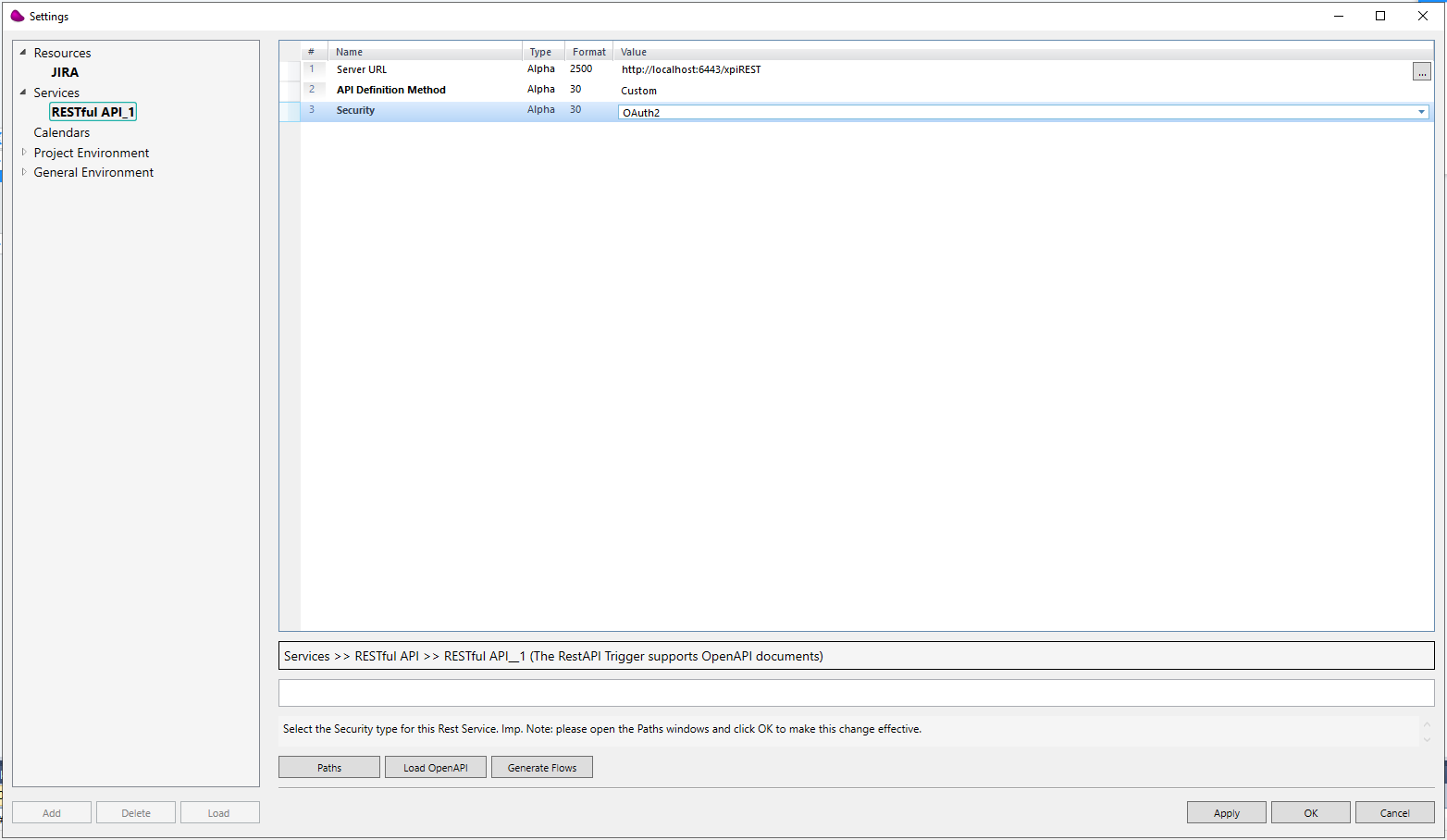
Once you understand how other applications need to invoke Magic xpi, define the services you'll expose. Service definitions live in a central repository for easier management and reuse, and you'll plug them into flow triggers later in the course.
Designing flows
Flows are the backbone of an integration project. Each flow breaks down into steps; each step may branch off into other steps based on conditions you define.
During design, give careful thought to how each flow gets invoked:
- When the project loads.
- At a specified time or polling interval.
- As a result of an external event — an HTTP request, an inbound message, an email, etc.
- By another flow inside the same project.
Testing and deploying
As with any development project, the integration project needs to be tested. Magic xpi gives you a built-in Checker and Debugger; running both before deployment makes problems much cheaper to fix. After deployment the project works against real data and implements the business logic you analyzed in the early stages.
Summary
You should now be familiar with:
- The recommended Magic xpi development methodology.
- Business processes, resources, services, and integration flows as they relate to a Magic xpi project.
The rest of the course follows this methodology — we'll go deep on each topic as we build a real project together.